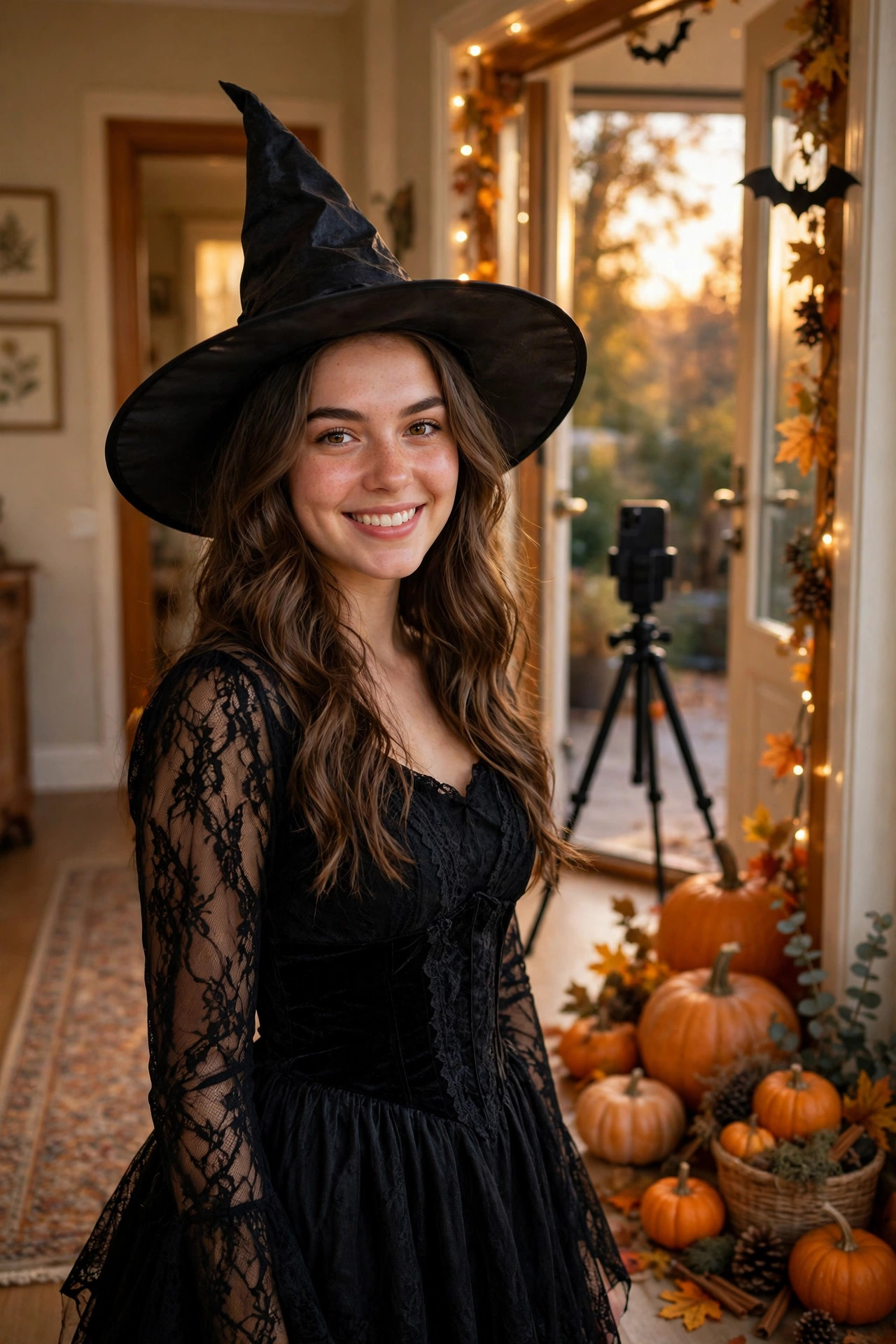
Last Saturday I watched my cousin stand in her hallway in an old hoodie, phone taped to a stack of books, whispering "loading" to herself while a little progress bar crawled across the screen. Ten seconds later she was a witch, hat and all, and my whole family group chat lost it. She had filmed it in one afternoon, with no fancy camera and no editing experience, and it looked like something a proper creator would post.
That is the Halloween Costume Loading Reveal in a nutshell. You start in normal clothes, a loading bar fills up on screen, and when it hits 100 percent, you are suddenly in costume. It is simple, it is silly, and right now, in the last days of October 2026, it is everywhere — because Halloween falls on a Saturday this year, and everyone has a whole weekend to try it.
I have made a few versions of this now, including one very bad one where the loading bar finished before I had even got my wig on. So let me save you that embarrassment and walk you through the version that actually works.
What the Halloween Costume Loading Reveal actually is
Forget complicated transitions for a minute. This one is built on a joke we all understand instantly: waiting for something to load.
The reel starts with you in everyday clothes — jeans, a hoodie, pyjamas, whatever you were already wearing. On screen there is text like "Halloween costume loading…" and a progress bar, usually with a percentage counting up. Sometimes there is a little spinning icon. You stand still, or you act bored, or you tap your foot like you are waiting for a download.
Then, right at 100 percent, the video cuts. And there you are in full costume.
That is it. The humour is in the wait. People keep watching because they want to see what the costume is, and the loading bar gives them a reason to stay until the end. That last part matters more than people think. A lot of reels lose viewers in the first three seconds. A loading bar does the opposite — it promises a payoff and tells the viewer exactly when it is coming.
You will see versions of this on TikTok and Instagram Reels right now, and trend trackers updated on 30 October 2026 list it as rising. That does not mean your version is guaranteed to blow up — no format can promise that — but it does mean viewers already recognise the joke, so you do not have to explain it. They see the bar, they know what is coming, and they stay.
Why this one works better than most costume transitions
I have tried the fancy ones. The spin-and-change, the hand-swipe, the jump cut where you land in a new outfit. They all look great when someone else does them, and they all took me about forty takes to get even close.
The loading reveal is forgiving, and that is why I like it for beginners.
First, you do not have to move at the moment of the cut. In a spin transition, if your body is in a different place in the second clip, the whole thing looks broken. Here, you film the "before" clip standing still, and then you film the "after" clip standing in the same spot. The loading bar covers the join. Your feet can be a few centimetres off and nobody notices, because their eyes are on the bar and then on the costume.
Second, it works with any costume. A witch, a ghost, a vampire, a pumpkin, a character from a show — it does not matter. The format is the star, not the budget. My cousin’s witch costume was mostly a black dress she already owned, a hat from a pound shop, and some eyeliner. It still worked because the reveal did the heavy lifting.
Third, it is fast to edit. If you use a CapCut template, you can be done in ten minutes. If you build it yourself in CapCut, maybe twenty. Compare that to a costume reveal that needs masking, keyframes and perfect timing, and you can see why so many people are posting this one this week.
Before you film: the boring prep that saves the video
I skipped this step on my first attempt and paid for it. I filmed the before clip in my living room in daylight, then filmed the after clip at night with the lamp on, and the two clips looked like they were shot in different houses. The loading bar could not save that.
So, do this first:
Pick one spot and do not move the phone. A hallway, a doorway, or a plain wall works best. Put your phone on a tripod if you have one. If you do not, a stack of books on a chair works just as well — that is literally what my cousin did. Tape it down if you can, because even a tiny wobble between clips makes the cut look messy.
Film both clips in the same light. If you start in daylight, finish in daylight. If you are filming at night, turn on the same lamps for both clips and leave them alone. Do not open a curtain halfway through.
Wear something plain for the before clip. The contrast is the joke. If you start in a half-costume, the reveal feels flat. Start boring. Old hoodie, messy hair, slippers if you want the laugh. The more normal you look at 0 percent, the funnier 100 percent feels.
Lay out your full costume before you start filming. Wig, hat, makeup, props — everything in a pile just out of frame. My first attempt failed because I was still looking for my witch hat when the bar was supposed to finish. The camera does not wait for you.
And charge your phone. I know, obvious. But a loading reveal needs two clips, a bit of editing, and probably three retakes, and nothing kills the mood like a low-battery warning in the middle of the after clip.
How to film the Halloween Costume Loading Reveal, step by step
You only need two clips. That is the whole shoot.
Clip 1: the loading clip. Stand in your spot in normal clothes. Look at the camera, look bored, sigh, check your nails — act like you are waiting for something to download. Film for about 5 to 7 seconds. Stand still, or mostly still. Small movements are fine, but do not walk out of frame. End the clip standing in the same place you started.
Clip 2: the reveal clip. Now get into full costume. Same spot, same camera position, same light. Stand in the same place as clip 1. When you are ready, do something with energy: a pose, a spin, a laugh, a little dance, or just a confident look at the camera. Film for 3 to 5 seconds. This is your payoff, so do not be shy. The bigger the energy jump from clip 1 to clip 2, the better the video lands.
That is the filming done. Two clips, same spot, one bored, one brilliant.
A quick tip from my own mistakes: mark your standing spot on the floor with a bit of tape, or a pair of shoes you can step into. I kept drifting a step to the left in the second clip, and it made the cut jump. The tape fixed it in one go.
How to edit it in CapCut
You can do this two ways: with a template, or by building it yourself. Both work, and I have done both.
The template way, fastest: Open CapCut and search for "costume loading" or "Halloween costume loading" in templates. You will find versions where the loading bar and percentage are already built in. Pick one, drop in your before clip first and your after clip second, and check that the cut lands exactly when the bar hits 100 percent. If the template’s bar is a bit long or short, trim your first clip until the timing feels right. Export, done.
The build-it-yourself way, more control: This is what I do now, because I like choosing my own font and bar colour.
- Open CapCut, start a new project, and add clip 1 then clip 2 in that order.
- Trim clip 1 to about 4 to 6 seconds. This is your loading time. Shorter feels snappier; longer builds more suspense. I find 5 seconds is the sweet spot.
- Add text over clip 1 that says "Halloween costume loading…" — put it near the top or the middle, wherever it does not cover your face.
- Add the loading bar. In CapCut, you can use a shape or a sticker for the bar, or search the sticker library for a loading bar or progress bar. Place it under the text. If you want a percentage, add text that says 0%, then use keyframes or a few short text clips to count up — 25%, 50%, 75%, 100% — across the length of clip 1. It does not have to be mathematically perfect. Viewers read it as a joke, not a real download.
- Make the cut land on 100 percent. This is the one timing rule that matters. The frame where the bar fills up should be the first frame of clip 2. If the costume appears a half-second early, the joke leaks. If it appears late, viewers get bored. Scrub through slowly in CapCut and nudge the split until it lines up.
- Add a sound effect on the cut if you like — a little "ding" or pop when the costume appears makes the reveal feel finished. Keep it quiet enough that it does not overpower any music.
- Add music. A spooky or dramatic track works, but honestly, a trending Halloween sound works better if one is moving in the app that week. Check the sound in the app before you post, because sounds move fast and a sound that was everywhere on Monday can be gone by Saturday. Do not just reuse a sound from an old saved video without checking it is still available.
- Add captions if you are talking, but for this format you probably are not. The text on screen is the caption. Keep it to two lines at most.
Export in 1080×1920, which is the vertical size Instagram and TikTok expect. Watch it back on your phone, not just in the CapCut preview, before you post. I caught a stray charging cable in the corner of my reveal clip only when I watched it full-screen on my phone. Small things like that are easy to miss in the editor.
Costume ideas that work best with this format
You do not need to buy a new costume to make this work. In fact, some of the best versions I have seen use the simplest ideas, because the contrast does the work.
A witch is the classic: black dress, hat, a bit of dark lipstick. A ghost is even simpler — a sheet, sunglasses, done — and it pairs well with the sheet-ghost humour people already know from this month. A vampire needs a cape and some fake teeth. A pumpkin works if you have the headpiece, or even just an orange outfit and a painted face.
If you want something funnier, go for a character reveal: start in pyjamas, load into a full superhero, or a chef, or a 80s workout outfit. The less the costume matches the boring first clip, the bigger the laugh.
One thing I would avoid: a costume that takes ages to put on between clips is fine — you are not filming the change, you are filming two separate clips — but a costume with lots of small pieces you can lose is a headache. Lay it all out first, like I said. I once lost a fake fang between clips and spent ten minutes on my hands and knees looking for it. Not worth it.
Mistakes that ruin an otherwise good loading reveal
I have made most of these, so you do not have to.
The bar finishes too early or too late. This is the number one problem. If the costume appears before 100 percent, the joke is spoiled. If the bar sits at 100 percent for two seconds while you are still in normal clothes, viewers swipe away. Line the cut up exactly.
The camera moved. Even a small shift between clips breaks the illusion. Tripod, books, tape — pick one and do not touch the phone between clips.
The light changed. Same lamps, same curtains, same time of day for both clips. If the sun moves, your reveal clip will look warmer or darker, and the cut will be obvious.
The before clip is too long. If people have to watch you standing around for ten seconds before anything happens, they leave. Five seconds is plenty. The loading bar creates suspense, but it does not create patience.
Too much text on screen. "Halloween costume loading…" plus a percentage is enough. You do not need a paragraph explaining the joke. Let the bar do the talking.
Posting without checking the sound. Sounds get removed or muted, especially trending audio. If your video exports with a sound that is no longer available, it can post silent or get flagged. Check in the app, on the day you post.
Caption, hashtags and posting tips
Keep the caption short. Something like "Halloween costume loading… please wait" is enough, because the video already tells the story. You can add a question at the end — "Guess the costume before 100%?" — if you want comments, and that does work, because people love guessing.
For hashtags, use a mix, not a wall of thirty. A few that fit this week: #HalloweenCostume #CostumeReveal #HalloweenReels #SpookySeason #LoadingReveal #Halloween2026. Do not copy a hashtag list blindly from another post; check that each one is actually being used for costume content, not for something unrelated.
Post it while Halloween is still happening, not a week later. This format is tied to the weekend of 31 October 2026, and like most seasonal formats, it will feel stale by mid-November. If you film it on Friday, post it on Friday or Saturday. Do not sit on it.
And a small honesty note: posting a trending format does not guarantee views. The algorithm, the sound, the time you post, and plain luck all play a part. What a good format does is give you a better starting point — viewers recognise it, they stay for the reveal, and that watch time helps. The rest is still up to the video itself.
Related reads
- Pumpkin Head Illusion: How to Make the Pumpkin Head Reel Everyone Is Filming for Halloween 2026 — https://viralvideo.website/pumpkin-head-illusion-reel/
- Ramalama Costume Walk: How to Film the Slow Creepy Costume Reveal for Halloween 2026 — https://viralvideo.website/ramalama-costume-walk-reel/
- Things You Should Definitely Ghost: How to Make the Sheet Ghost Sign Reel for Halloween 2026 — https://viralvideo.website/things-you-should-definitely-ghost-reel/
- GRWM Loading Reel: How to Make the 0 to 100 Percent Format in CapCut — https://viralvideo.website/how-to-make-grwm-loading-reel-capcut/
- Upside Down Reels: How to Make the Flip Transition Everyone Is Copying in October 2026 — https://viralvideo.website/upside-down-reels-flip-transition-capcut/
- Morning Brain Stack: How to Film the No-Phone Morning Routine Reel Everyone Is Copying in October 2026 — https://viralvideo.website/morning-brain-stack-reel/
Frequently asked questions
Do I need a CapCut template for this?
No. A template is faster, but building it yourself in CapCut takes about twenty minutes and gives you control over the font, the bar colour and the timing. Either way, the important part is the cut landing on 100 percent.
Can I film this alone?
Yes, and most people do. A tripod or a stack of books holds the phone, and you film the two clips one after the other. You do not need someone else to film you.
What if my costume is not a Halloween costume?
It still works. The format is about the reveal, not the holiday. A non-Halloween costume reveal in late October still reads as Halloween content because of the timing, but you can also just drop the Halloween wording and call it a costume loading reveal any time of year.
How long should the whole reel be?
Around 8 to 12 seconds total is ideal. Long enough for the loading joke to land, short enough that people watch it twice — and replays help a reel more than most people realise.
Why does my cut look jumpy?
Usually the camera moved, or you stood in a different spot, or the light changed. Fix the camera position first, then your standing spot, then the light. In that order.
Final thoughts
I like this format because it does not ask you to be a great editor or a great dancer or to own an expensive costume. It asks you to stand still, wait, and then show up as someone else. That is a joke anyone can tell, and right now, with Halloween on a Saturday, it is a joke a lot of people are in the mood for.
Film it in an afternoon, keep the camera still, line the cut up with 100 percent, and post it while the weekend is still going. My cousin’s version took her less than an hour from first clip to posted reel, and it is still the one our family talks about. Yours might be the one your friends talk about too — and even if it is not, you will have a very funny costume video to show for an afternoon’s work.
1 thought on “Halloween Costume Loading Reveal: How to Film the Loading Bar Costume Transition Everyone Is Posting for Halloween 2026”