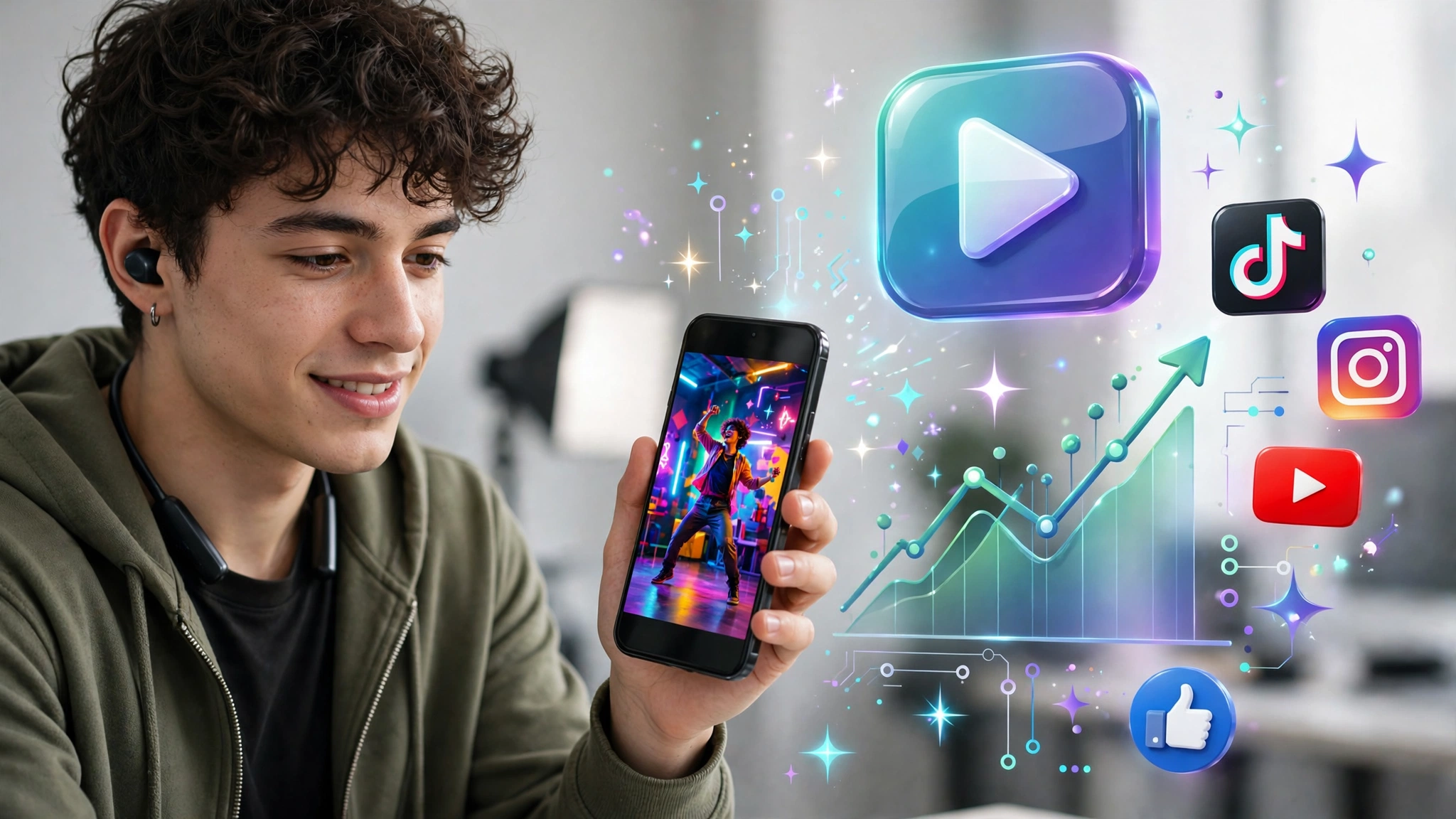
Why AI Shorts Are Exploding in 2026
You do not need a camera, a studio, or editing experience to make a Short that gets watched in 2026. You need a strong idea, a fast hook, and a workflow that turns that idea into a polished vertical video in minutes, not hours.
Short-form video is still the fastest-growing format, and AI now handles the slow parts: script variants, visuals, voiceover, and captions. What AI cannot do is decide what happens in the first second. That is still yours, and it is the difference between a video that gets swiped past and one that gets shared.
The free tools in 2026 are genuinely usable for testing ideas and publishing consistently, without a subscription on day one.
The Free Stack: What You Actually Need
You do not need ten tools. Start with this stack, and add tools only when a bottleneck appears:
- Idea and script: A chatbot for brainstorming, then rewrite it in your own voice
- Visuals: Kling AI or Google Flow for free daily video clips, plus CapCut for editing
- Voiceover: ElevenLabs free tier, or your own voice if you prefer talking-head Shorts
- Captions and editing: CapCut, which is free to start and built for vertical video
- Publishing and analytics: YouTube Studio, TikTok Studio, and Instagram Insights
Free tiers have real limits. Most give you a handful of 5 to 8 second clips per day, watermarked, at 480p to 720p. Kling AI is widely cited as the best free option because its credits reset daily, giving you roughly six short clips a day. Google Flow gives about five Veo clips a day. Runway’s free credits are one-time only, so save them for testing quality, not daily volume. Generate still images first, animate only the most important shots, and use slow zooms for the rest.
Step 1: Pick an Idea People Already Want
Do not start with a prompt. Start with a proven angle.
Look at the “Most Popular” Shorts in your niche, trending sounds on TikTok, and questions people are already searching for. The best Shorts deliver value or emotion fast: a surprising fact, a quick tip, a relatable moment, or a motivational hook.
Good idea shapes include “3 mistakes that kill your Shorts in the first 3 seconds” and “I tested this AI tool for 7 days.” Avoid vague ideas like “AI is amazing.” Be specific, be useful, and promise one clear payoff.
Step 2: Write the Hook First, Then a 30 to 55 Second Script
Write the hook before anything else. It should be one line, spoken or shown on screen, inside the first second.
Weak hook: “In this video, I will talk about AI tools.”
Strong hook: “This free AI tool made a Short in 4 minutes — and it got more views than my last 10 videos.”
Once you have the hook, write a tight script. For a 30-second Short, aim for roughly 60 to 80 words. For 45 to 55 seconds, aim for 110 to 140 words. Keep sentences short, cut every filler word, and build in a payoff at the end.
A simple structure that works again and again:
- Hook (0 to 3 seconds): The surprising claim or question
- Value (3 to 35 seconds): Three fast points, no fluff, one visual per point
- Payoff and call to action (last 5 seconds): The result, plus “follow for part 2” or “comment if you want the prompt”
Change the picture every 2 to 4 seconds. A still that holds for ten seconds feels like a slideshow, even if the voiceover is good.
Step 3: Generate Visuals That Match the Script, Not the Other Way Around
Split your script into 5 to 7 beats, and make one visual per beat. Then use vertical-friendly prompts: medium and close shots, subject centred, and simple camera moves like a slow push-in or tilt-up.
Try prompts like this:
Vertical 9:16, medium shot of a creator at a desk with a phone showing a viral short, slow push in, bright modern studio, cinematic, no text.
Vertical 9:16, close-up of a smartphone screen with rising view numbers, fast zoom out, neon colours, no text.
Generate the most important beats as video clips, and use still images with a slow zoom for the rest. Export everything in 9:16 at 1080 by 1920 before cutting, or the feed will crop your captions and hook.
Step 4: Add a Voiceover People Can Actually Listen To
For faceless Shorts, voiceover matters more than visuals. Use a natural-sounding AI voice, keep the speed close to normal speech, and do not clone a real person’s voice without permission.
ElevenLabs is a popular choice because its free tier gives you about 10 minutes of speech a month. That is enough for 15 to 20 Shorts if your scripts are tight. Note that the free plan does not include a commercial licence, so check the terms before you monetise.
If you record your own voice, clean up noise, keep music under the voice, and add one sound effect to land a turn.
Step 5: Edit for Retention, Not Just for Looks
This is where most AI Shorts fail. A generated clip is not a finished video.
In CapCut or a similar editor:
- Cut on motion, not on sentence breaks
- Keep the finished Short between 30 and 55 seconds — under 15 seconds usually ends before a viewer has a reason to care
- Burn large captions in the middle third of the screen, so app buttons do not cover them
- Highlight only the words that carry the point, not every word
- Add quiet royalty-free music and a text overlay like “Wait for it…” only if it earns its place
Then export as H.264 MP4 at 1080 by 1920, under 60 seconds, and disclose synthetic content on upload if the platform asks you to.
Best Free AI Tools for Shorts in 2026
Here is a quick, honest comparison to help you choose:
- Kling AI: Best daily free volume. Daily credits, 5 to 10 second clips, good motion and people shots. Watermark on free tier.
- Google Flow (Veo): Best overall free quality. About five clips a day, strong photorealism and native audio on newer models. Check current limits, as free tiers change often.
- Runway: Highest creative control, but free credits are one-time only. Best for testing before you pay.
- CapCut + ElevenLabs: Best editing and voice combo for a zero-budget faceless channel.
Pick one video generator, one editor, and one voice tool, and master that trio for 30 days.
Common Mistakes That Kill AI Shorts
- Starting with a slow intro. If nothing happens in the first second, viewers swipe.
- Using a baked, uneditable MP4. You need an editable timeline to fix a weak hook, not a new generation.
- Copying templates exactly. Change the hook, example, or payoff so you do not look like everyone else.
- Posting 20 Shorts in one week, then going silent. Three Shorts a week for three months beats a burst followed by silence. Batch your work: scripts one day, visuals the next, editing on the third.
- Ignoring retention data. After ten videos, make more of the hooks that kept people past three seconds.
A Simple Posting Plan You Can Actually Keep
Post the same Short to Shorts, TikTok, and Reels, with a title that repeats the hook in plain words. Try Monday for a how-to, Wednesday for a reaction or “I tested” Short, and Friday for a rising trend. Early on, watch retention past three seconds more than total views.
Key Takeaways
- Hook first, in the first second. Everything else is secondary.
- Target 30 to 55 seconds, 9:16, 1080 by 1920, with a new visual every 2 to 4 seconds.
- Use AI for scripts, clips, voiceover, and first-pass captions — keep the cut and the hook in your hands.
- Free tools like Kling, Google Flow, and CapCut are enough to start and publish consistently.
- Post consistently, read retention, and double down on hooks that work.
Conclusion: Start With One Short Today
You do not need a perfect setup to go viral. You need one clear idea, one strong hook, and one finished Short published today. Pick a topic, write a 60-word script, generate three to five visuals, add captions, and post it. Then make the next one a little better. That loop — idea, hook, publish, learn — is how creators build channels with AI in 2026, for free.
1 thought on “How to Make Viral AI-Generated Shorts for Free in 2026”