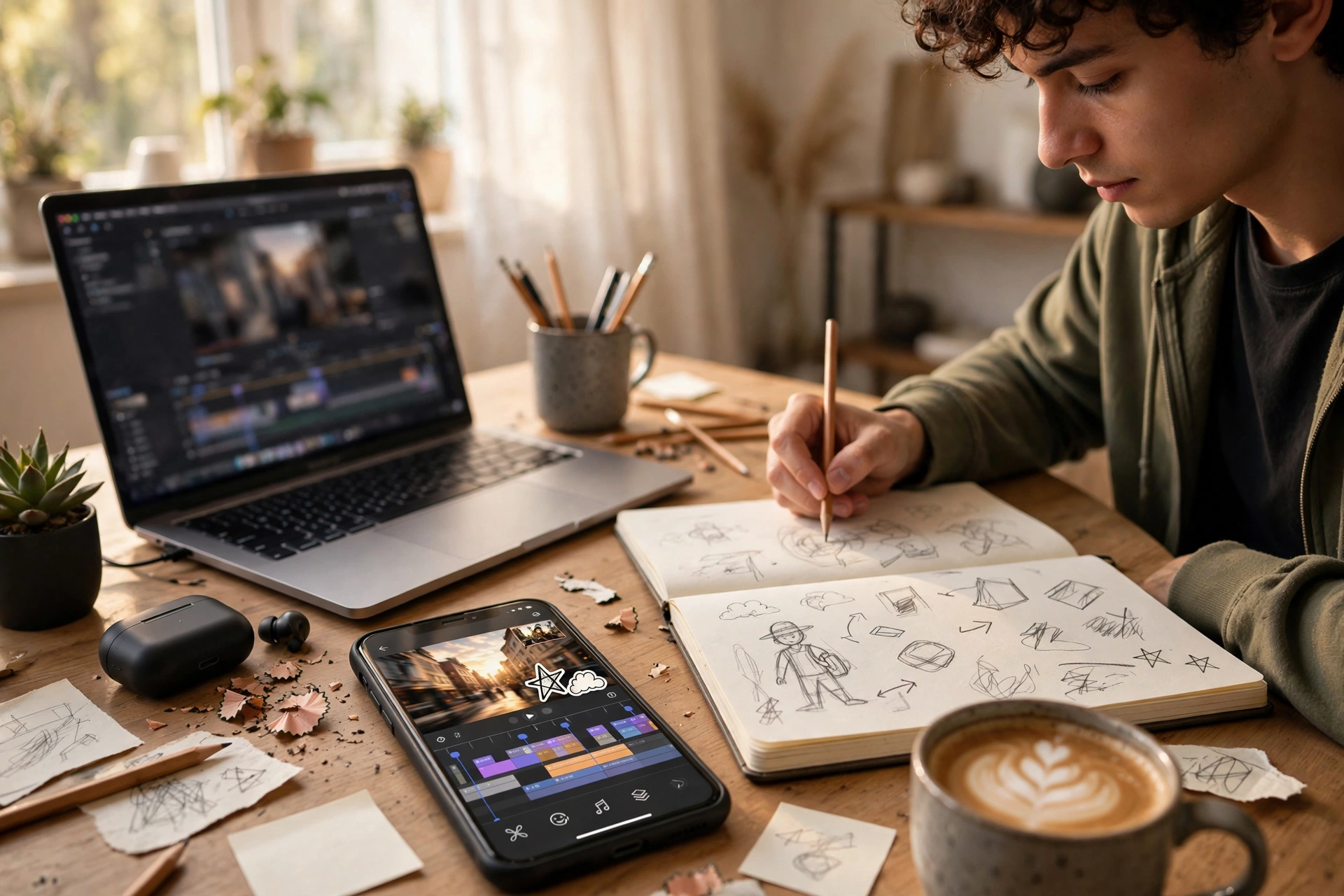
I once made an AI Short that I thought was perfect. The voice was smooth, the visuals were clean, and the editing was neat. Then I saw three other creators post almost the same video in the same week. Same voice style, same stock clips, same generic script. My video was not copied from them. We had all used the same tools, the same prompts, and the same easy workflow, and we ended up with the same result. That was when I understood the real problem with AI Shorts. It is not that AI makes bad videos. It is that AI makes similar videos, unless you add something that is only yours.
In this guide, I will show you how to make AI-generated Shorts look original, step by step, and how to avoid the low-effort reuse problems that platforms dislike. I will not promise that any trick guarantees monetisation or avoids every policy issue. Platform policies change, and you should always check the current rules for YouTube, Instagram, and TikTok before you post. What I can show you is how to add real, original value to every AI Short, so it does not look like a copy of everyone else’s AI content.
What original actually means for AI Shorts
Original does not mean you must film everything yourself, or that you cannot use AI at all. It means your video adds something a viewer cannot get from ten other videos on the same topic.
That something can be your script, your angle, your examples, your voice, your editing choices, or your own experience. If you remove your contribution, and the video still looks complete, then you probably did not add enough original value yet.
Think of AI as a production assistant, not as the creator. AI can generate a voice, a clip, or a first draft. You are still responsible for the idea, the structure, and the final judgement. Viewers can feel the difference, even if they cannot explain it. A video with a clear human idea feels different from a video that was assembled from prompts alone.
Start with your own script and angle
The easiest way to look original is to start with a script that only you could write. Do not start with a generic prompt like “make a video about productivity tips”. Start with a specific angle, such as “the one productivity mistake I made when I tried to post daily”, or “three tools I stopped using after one month, and why”.
Write the hook yourself, in your own words. Write at least one example from your own experience, even if it is small. For example, instead of saying “many creators struggle with consistency”, say “I posted for seven days straight, then missed three days, and here is what I changed”. That one sentence makes the video yours.
If you use AI to help draft a script, edit it heavily. Remove generic lines, add your own examples, and read it out loud. If it sounds like it could belong to any channel, rewrite the parts that sound generic until it sounds like your channel.
Use your own voice or commentary
Voice is one of the fastest ways to make an AI Short feel original, or generic. If you use the same AI voice, with the same pacing and the same tone as everyone else, your video will sound familiar before viewers even see the visuals.
If you can, record your own voice, even if it is not perfect. A real voice with small pauses and natural emphasis is often more engaging than a flawless AI voice. If you prefer an AI voice, choose one voice and use it consistently, and adjust pacing, pauses, and emphasis where your editor allows it. Do not switch voices every video.
Adding commentary also helps. Instead of letting AI visuals and AI voice carry the whole video, add your own commentary over key parts. Explain why a tip matters, what went wrong when you tried it, or what you would do differently now. Commentary turns a generic explainer into a personal guide.
Mix visuals, do not rely on one source
A Short that uses only one type of visual, such as only stock clips or only AI-generated clips from a single prompt, will often look like other videos using the same source. Mix at least two or three visual sources in each video.
For example, combine stock footage with a screen recording, a simple graphic, and one AI-generated shot. Or combine your own phone footage with stock clips and text overlays. The mix itself is an original choice, because no two creators will mix the same clips in the same order.
Also vary your B-roll. Do not use the same five clips for every video in a series. Keep a folder of visuals you have already used, and avoid repeating the same clip in back-to-back videos. Viewers notice repetition faster than creators do.
Edit like a human, not like a template
Templates are useful, but a template used without changes is a fast way to look generic. If you use a CapCut template or an AI editor template, change at least three things: the text style, the pacing, and the order of clips. Add your own hook text on the first frame, adjust cuts to match your voice, and remove any transition or effect that does not help your point.
Pay attention to pacing. AI-generated videos often have even, robotic pacing, with each clip lasting exactly the same time. Human editing has rhythm. Some points get a longer pause, some get a quick cut, and the video speeds up or slows down to match the idea. That rhythm is hard to copy, and it makes your video feel alive.
Captions also help with originality. Use a consistent caption style that matches your channel, not the default style from every tool. Check captions for errors, split long lines, and highlight one key word per line where it helps viewers follow your point.
Add real examples, screens, and proof
Real examples are the strongest originality signal you can add. Show your own screen, your own notes, your own results, or your own process, even if it is simple. A five-second screen recording of how you actually use a tool is more original than a thirty-second AI-generated scene that looks beautiful but shows nothing real.
Be honest about examples. Do not claim results you did not get, and do not use a screenshot that does not match your point. Originality is not about looking impressive. It is about being specific and truthful. A small, real example is better than a big, vague claim.
If your topic does not allow real footage, use a specific case study, a clear comparison, or a step-by-step breakdown that shows your thinking. Explain why you chose one option over another, and what trade-off you accepted. That thinking is original, even if the visuals are simple.
What reuse content problems usually involve
Platforms generally dislike content that adds little or no original value, such as reuploading someone else’s video, posting the same clip repeatedly with minimal changes, or assembling a slideshow of stock footage with no commentary, no editing, and no clear point. This is often called reused content in YouTube’s policies, and similar low-effort rules exist on other platforms.
Using AI does not automatically mean your content is reused, but using AI in a low-effort way can look like reuse. For example, generating the same script, voice, and visuals as many other creators, with no changes, no commentary, and no editing, is likely to be seen as low value, even if you generated it yourself.
The fix is not to hide that you used AI. The fix is to add value that is clearly yours: your script, your voice or commentary, your examples, your editing, and your structure. Always check the current platform policies for your channel type, because rules and enforcement can change, and this guide is not legal or policy advice.
A quick originality checklist before you post
Before you publish an AI Short, ask yourself these questions. Would this video still make sense if you removed my script and my voice? If yes, add more of your own input. Does this video use the same visuals, voice, and template as my last three videos? If yes, change at least one of those elements. Did I add a real example, a personal lesson, or a clear opinion? If not, add one before posting. Did I edit the video, or did I just export the AI draft? If you just exported the draft, spend ten more minutes on cuts, captions, and pacing.
This checklist takes two minutes, but it can save you from posting a video that looks like everyone else’s.
Common originality mistakes to avoid
Copying a trending prompt word for word is a common mistake. Prompts are starting points, not finished scripts. Always rewrite the prompt result in your own words.
Using the default voice, default captions, and default template together is another mistake. Changing one default is not enough. Change at least a few, so the video has your style.
Posting the same AI video on every platform without adjusting it is also a problem. A Short for YouTube and a Reel for Instagram may need different hooks, captions, and first frames. A small adjustment for each platform is part of original editing, not extra work for no reason.
Forgetting to review the AI output is the biggest mistake. AI can invent facts, mispronounce names, or generate visuals that do not match your script. Always review the full video once before posting, with sound on and sound off.
If you want to compare tools before you build your workflow, our guide on AI video generators for faceless Shorts explains which types of tools are best for different niches, and our faceless tech stack guide shows how script, voice, visuals, editing, and publishing fit together in one system.
Key takeaways
- Original AI Shorts add value only you can provide: your script, angle, examples, voice, and editing choices.
- Start with a specific, personal script, not a generic prompt that thousands of creators are also using.
- Mix visual sources, vary B-roll, and avoid repeating the same clips, voice, and template in every video.
- Edit for rhythm, captions, and pacing, instead of exporting an AI draft unchanged.
- Add real examples and commentary, and check current platform policies before you post.
Final thoughts
AI will keep getting better at generating videos, which means the bar for originality will keep rising. The creators who stand out will not be the ones with the newest tool. They will be the ones with a clear idea, a personal voice, and the patience to edit a draft into something that feels human.
Use AI to save time on production, but keep the thinking, the examples, and the final judgement for yourself. When you do that, your AI Shorts will not just look original. They will be original, because they carry something no prompt can generate on its own: your experience.